
For property managers
Manage every owner's portfolio from one place
Rent, leases, maintenance and owners under one login. Your staff get their own access, your owners see what you choose, and your contractors record their own time on site.
- No credit card for the Free plan
- English and Quebec French
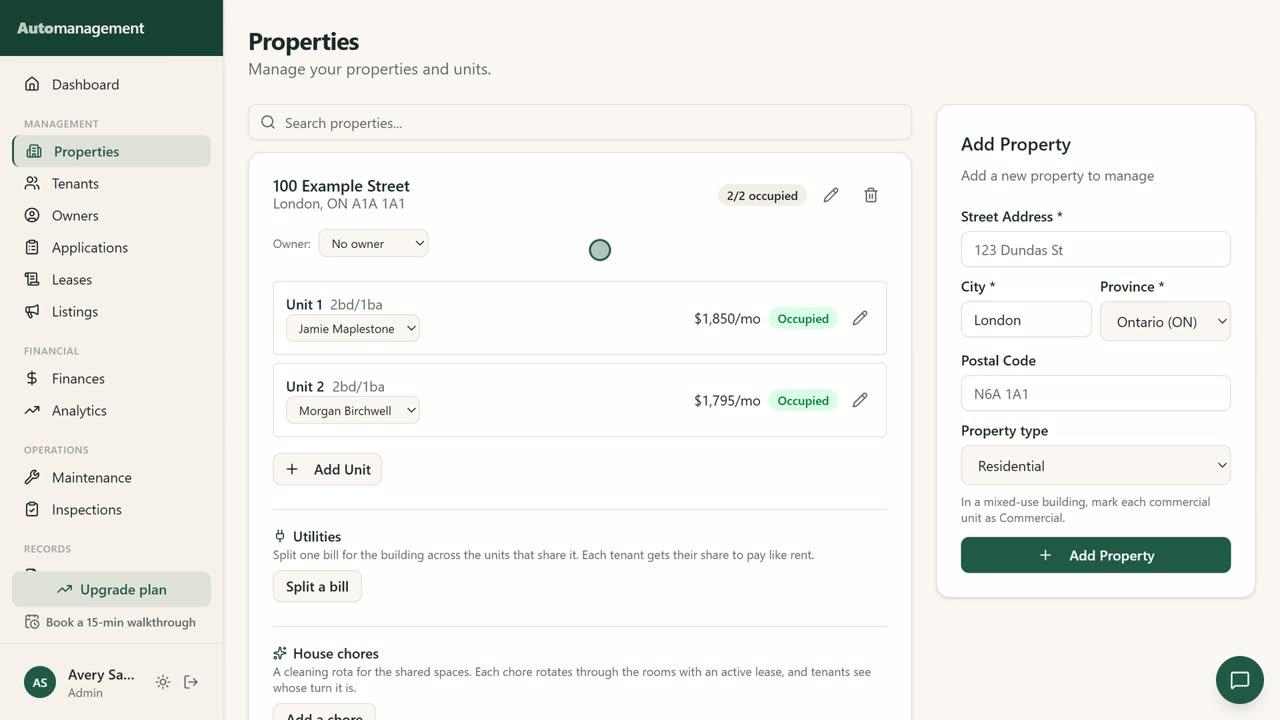
Your team, with the access you choose
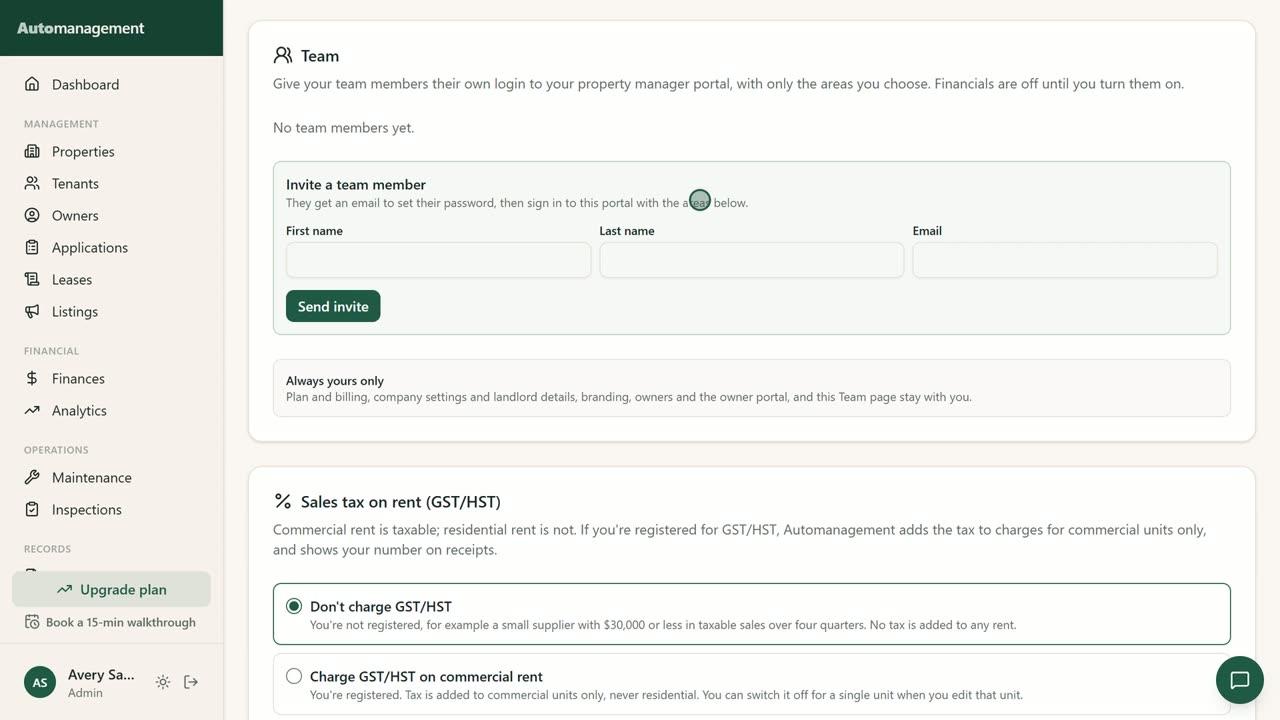
Each staff member gets their own login. You turn each area on or off for each person, and every plan includes unlimited team members.
- Seven areas: properties, tenants, leases, maintenance, messages, listings and financials
- Financials stay off until you turn them on
- Billing, company settings, owners and the Team page stay with the account owner
Owners see their numbers without calling you
Each owner gets a read-only portal for their own properties. You decide what they see, for everyone or one owner at a time, and you can preview their view first.
- Choose financials, statement downloads and documents
- Owner statements in PDF or CSV
The rest of the work, in the same place
Maintenance and contractors
Tenants send requests with photos. Contractors get their own portal to work the job.
- Contractors check in and out, so you see the time on site. No location is recorded
- They can attach their invoice and material receipts
- A numbered payment receipt once you mark the job paid
Bulk spreadsheet import
Bring in your whole portfolio from one CSV file instead of typing it in.
- Properties, units, tenants and lease dates, up to 500 rows per file
- You see a preview before anything is added
- Tenants get no email, and leases come in as drafts for you to review
Lease forms and notices
Province-specific guidance across all 10 provinces and 3 territories.
- Manitoba Form 1, filled in and signed in the app. For the Ontario Standard Lease, your lease details ready to copy in, and the signed copy kept with the lease
- Reminders 90, 60, 30, 14 and 7 days before a lease ends
- Rent increase and notice summaries for your review, with links to the official forms where they apply
Commercial units
Run commercial units next to your residential ones, in the same account.
- Business tenants and TMI/CAM
- If you're registered, GST/HST is added to commercial rent only
- In Quebec, GST and QST are shown separately
English and Quebec French
The whole app works in both languages, so each tenant and owner can use the one they prefer.
- Tenant, owner and contractor portals in both languages
- Prices in CAD
- Interac e-Transfer rent tracking, plus cash and cheque
Moving a larger portfolio?
Book a call and we'll help you plan your setup: how to fill in the import file, and what to set up first.
Book a callPlans that follow your unit count
Every plan has every feature. Plans differ only by how many units you manage.
Pro
Up to 50 units
$69 CAD/mo
Scale
Up to 150 units
$129 CAD/mo
Enterprise
Unlimited units
A dedicated account manager, custom onboarding and migration help, and staff training.
Contact usPaid plans start with a 7-day free trial. See all plans
Watch how it works
Short videos of the real app, one task at a time.
Questions from property managers
How do I get my data in?
Use the spreadsheet import. Download our CSV template, fill in one row per unit, and upload it. You see a preview first, and each file can have up to 500 rows. Tenant and lease columns are optional, and your plan has to cover the units you add.
How many units can I manage?
Free covers up to 2 units, Core up to 15, Pro up to 50 and Scale up to 150. Enterprise has no unit limit. No plan limits the number of properties.
Can my staff have their own logins?
Yes. Every plan includes unlimited team members. Each one has their own login, and you choose which areas they can use. Financials stay off until you turn them on.
Can owners see their statements?
Yes, if you allow it. Owners get a read-only portal, and you choose whether they see financials, statement downloads and documents. Statements download as PDF or CSV.
Does it work in French?
Yes. The app works in English and Quebec French, including the tenant, owner and contractor portals.
I use a spreadsheet or another tool today. How do I move over?
Get your properties, units, tenants and lease dates into our CSV template, then import them. Your tenants hear nothing from us during the import, and leases come in as drafts, so no rent is charged until you activate each one. Payment history isn't part of the import.
Try it with one building
The Free plan covers up to 2 units with no credit card. Or take 15 minutes and we'll show you around.